




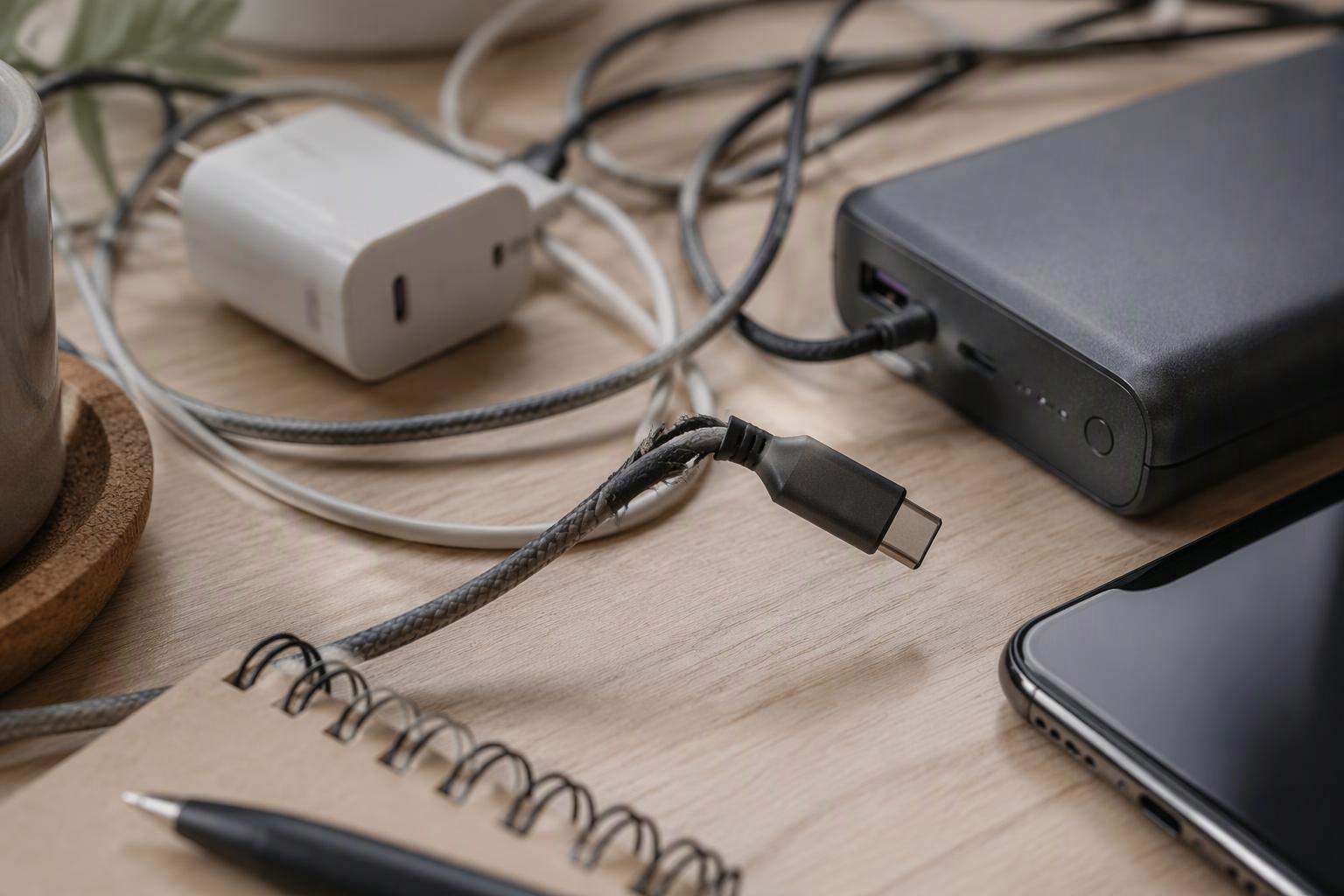
Charging gear fails in small, specific ways. The cable that only works when you hold the connector at one angle. The power bank that stays in a drawer because it pulls your jacket pocket down. The charger that handles your phone fine until you plug in earbuds and both devices crawl. None of these are mysteries, and none of them require a lab to explain.
This is a phone charger buying guide built as a framework, not a product pitch. The sections below take the three things people actually buy, chargers, cables and power banks, and give you the questions to ask before you spend. Every spec term gets defined the first time it appears, so you can read a box label and know what it is promising.
The goal is simple: by the end, you should be able to judge any brand’s mobile charging accessories on the same criteria, including the ones you already own.
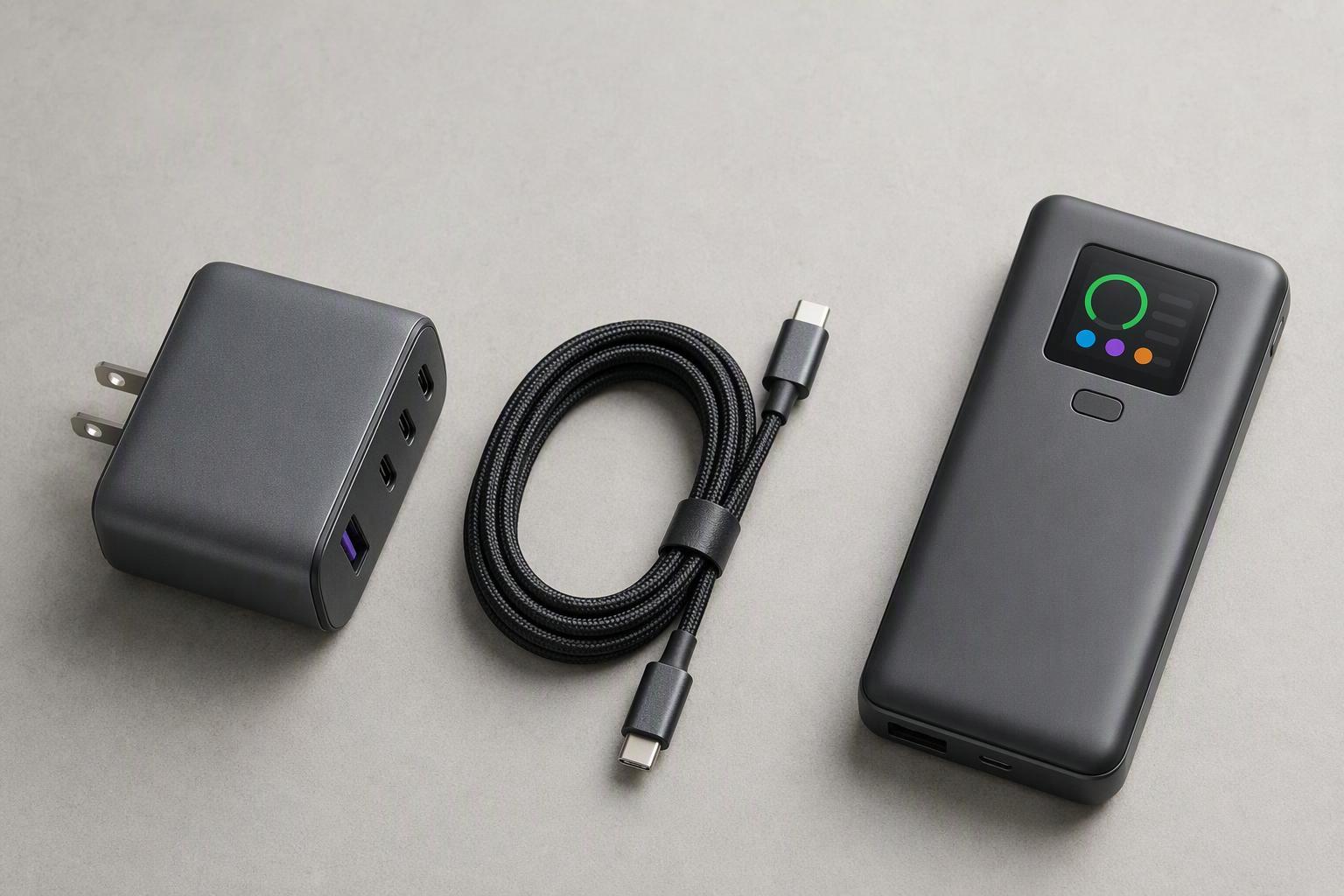
What mobile charging accessories do you actually need?
Most people need fewer accessories than they own, and the reason is that charging speed is negotiated rather than pushed. The USB-IF’s Power Delivery overview describes a system where the charger advertises what it can supply, the device requests what it supports, and the charger “supplies no more than the requested amount” (USB-IF, retrieved 2026-10-01). Adding a second charger or a third cable does not raise that ceiling. Only the weakest link in the chain sets it.
Start with your devices, not the shelf
Count the places you charge, not the gadgets you own. A bedside spot, a desk and a bag cover almost everyone, and each has a different requirement: the bedside one runs overnight and cares about safety, the desk one often serves two devices at once, and the bag one has to be light enough that you actually carry it. Write those three down before you look at any product page.
The three-piece minimum
A workable kit is one multi-port charger, one cable per device connector, and one power bank sized to your longest day away from an outlet. A multi-port charger replaces two single-port bricks and the outlet space they fight over, which is the practical argument for fast charging accessories with more than one port. Anything beyond that kit is a convenience, not a requirement.
How do you choose a charger: wattage, protocols and ports
That negotiation starts with your phone’s own ceiling, so match the charger to it before you look at the number on the box. Apple’s own fast-charge guidance sets the bar per model: iPhone 17, 17 Pro and 17 Pro Max reach 50 percent in around 20 minutes with a 40W adapter or higher, while iPhone 17e and iPhone Air need a 20W adapter or higher for the same 50 percent in around 30 minutes (Apple Support, retrieved 2026-10-01). A 100W brick does not beat a 40W one on an iPhone 17.
Samsung’s fast-charging help page makes the same point from the other direction: super fast charging needs a 25W or 45W Samsung-approved adapter, and “your device will automatically choose the best supported charging speed when plugged into a higher rated charger” (Samsung Support, retrieved 2026-10-01). The phone, not the brick, decides.
Wattage is a ceiling, not a promise
USB Power Delivery, or USB PD, is the standard that lets a charger and a device agree on voltage and current. Its current revision, PD 3.1, was announced on 26 May 2021 and raised the ceiling from 100W at 20V to 240W by adding 28V, 36V and 48V fixed voltages, which deliver 140W, 180W and 240W respectively (USB Promoter Group announcement, 2021-05-26). Those tiers exist for laptops. A phone that tops out at 40W will simply request 40W from a 240W charger.
Two more terms appear on labels. PPS, or Programmable Power Supply, is an adjustable mode that lets a device request fine-grained voltages, which is what Samsung’s PPS chargers use. QC, or Quick Charge, is an older fast-charging protocol still seen on plenty of budget accessories. A charger that lists PD, PPS and QC covers the common cases; one that lists only QC may not fast-charge an iPhone at all.
Ports, GaN and the second-device slowdown
GaN, or gallium nitride, is a semiconductor material that lets a charger run cooler and smaller at the same wattage than the older silicon designs. It is why a three-port brick can now fit in a palm.
The second-device slowdown is not a fault. A multi-port charger splits one total wattage budget across its ports, so plugging in earbuds takes power away from the phone. The EU’s common charger rules now require packaging to state the power a device requires and whether it supports fast charging, which is the label to read before assuming a port count means combined output (European Commission, retrieved 2026-10-01). Look for a published combined-output figure, not just the headline wattage.
How we apply this at JOYROOM, the publisher of this guide: our 20W PD charger states its supported protocols, PD and QC3.0, on the spec sheet, which is the kind of printed protocol list this section asks you to check. It does not tell you your phone’s own charging ceiling, and it cannot guarantee a fast charge on a device that negotiates something else, so you still match the charger to your model yourself, with any brand.
How do you choose a charging cable: rating, connector and durability
The charger is only one of the three limits, and the cable is the one most often left unread. The connector shape tells you nothing about what a cable can carry, because the USB Type-C cable specification treats power and data as separate ratings. Standard Type-C cable assemblies are rated for 3A, while assemblies designed for USB PD and identified by electronic marking may support up to 5A (USB-IF Type-C specification, R2.0, 2019-08). That electronic marker is called an e-marker, a small chip in the connector that tells the charger how much current the cable can safely take. Above 3A, the specification makes it mandatory.
The edition in force is Release 2.5, published 8 April 2026, which supersedes the free public R2.0 PDF most buyers will find (USB-IF document library, 2026-04-08). For shopping purposes the rule has not changed: a cable sold as 100W or 240W class should carry an e-marker, and a cable with no rating printed anywhere is a 3A cable until proven otherwise.
The one rule to remember: actual power is never more than the lowest of three limits, your phone’s, your charger’s and your cable’s.
Charge-only versus data, and why it matters
Because power and data are independent axes, a cable rated for 240W can still be USB 2.0-only for data, and a 40Gbps cable can be limited to 60W. If you expect a charging cable to carry CarPlay, file transfers or a display signal, check the data rating separately from the wattage. The wattage number on the packaging answers a different question.
What makes a cable last
The failure you feel, a cable that cuts out unless held at an angle, usually starts at the strain relief where the connector meets the jacket.
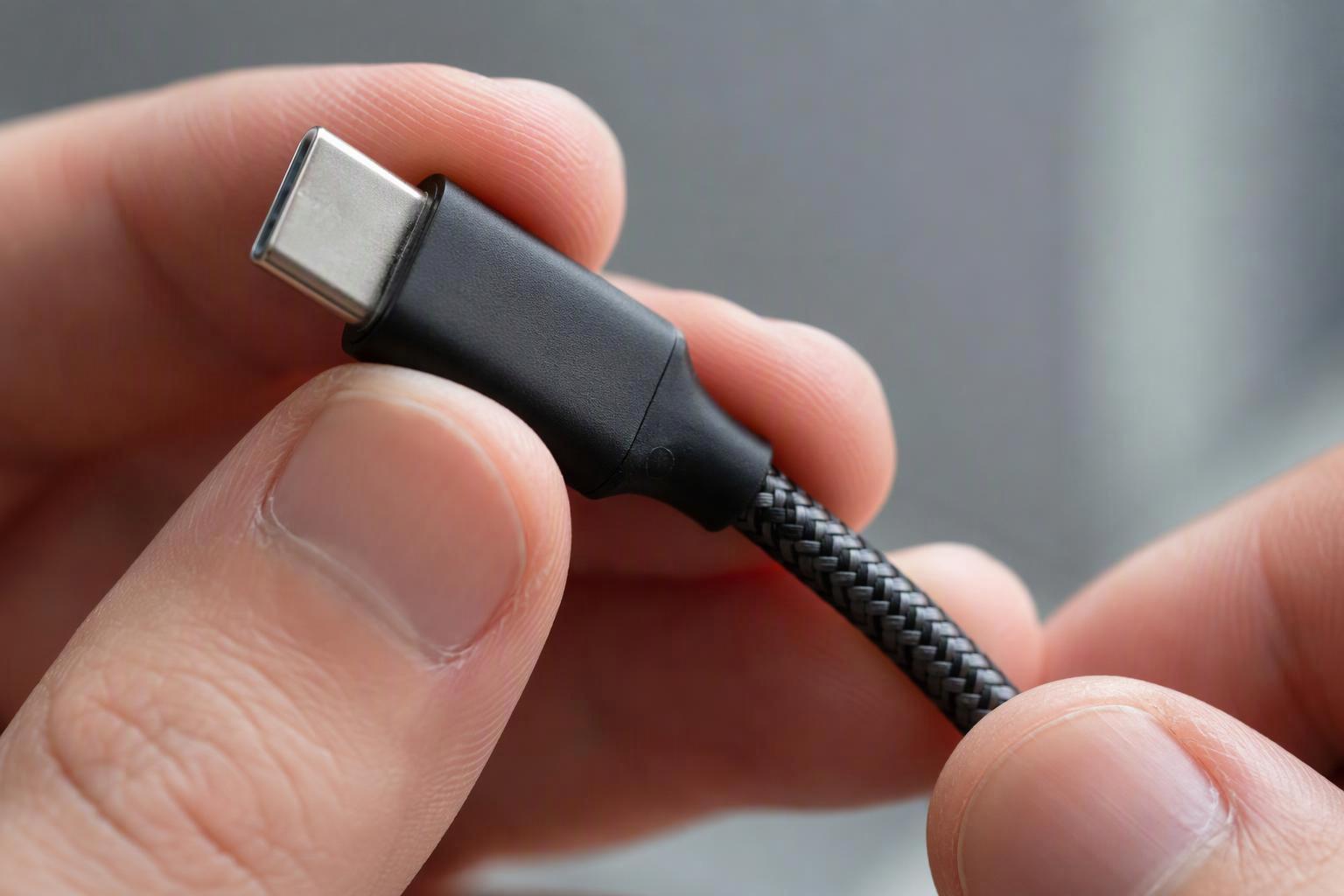
Published durability figures are the signal to look for: plug and unplug cycle counts, bend-test counts, and retention force, which is how firmly the connector grips the port. A braided nylon jacket with a metal shell resists the daily bag-and-pocket cycle better than a thin molded one, and a cable that states its test numbers is telling you it expects to be judged on them.
How do you choose a power bank: capacity, weight and flying with it
Cables carry the current, but the power bank stores it, and there the label misleads in a different way: treat the mAh number as cell capacity, not charge you will receive. mAh, or milliamp-hours, measures how much charge the cells hold, and Wh, or watt-hours, measures energy, which is the number airlines use. WIRED’s power bank guidance puts the real-world result plainly: “You can generally expect to get between 60 and 80 percent after energy loss through heat and conversion” (WIRED, retrieved 2026-10-01). A 10,000mAh bank is not 10,000mAh at your phone’s port.
A bench test shows the size of that gap. ChargerLab measured a bank rated 10,000mAh and 38.5Wh delivering 33.15Wh at 5V/3A, about 86 percent, and 34.36Wh at 12V, about 89 percent, with the bank’s own rated output capacity printed as 6,000mAh (ChargerLab, 2023-08-04). One model’s result is not every bank’s, but it shows why the label and the delivered charge differ.
Reading the label without a calculator
Wh equals mAh multiplied by the rated voltage, divided by 1,000. At the usual 3.7V cell voltage, 10,000mAh is about 37Wh, 20,000mAh is about 74Wh, and 26,800mAh lands just under 100Wh. The FAA’s PackSafe battery rules allow 0 to 100Wh without approval, permit 101 to 160Wh only with air-carrier approval and a maximum of two spares, forbid anything above 161Wh, and require power banks to travel in carry-on only (FAA PackSafe, retrieved 2026-10-01). TSA’s carry-on battery rule agrees on the carry-on requirement and the two-spare limit for the 101 to 160Wh tier (TSA, updated 2025-03-01). Read the printed Wh, not the mAh.
Weight is a feature
The best power bank for everyday use is the one that leaves the house with you, and that makes grams a specification like any other. A 20,000mAh bank carries roughly twice the energy of a 10,000mAh one and typically weighs close to twice as much, which is fine in a backpack and noticeable in a jacket pocket. Decide which pocket it lives in before you decide the capacity.
What the criteria look like on a real label
Abstract rules get easier once you run them against one actual product, so here is a walkthrough of a 145W TFT display power bank from JOYROOM. It is a 20,000mAh pack rated 72Wh, which is the number to look for first: it sits comfortably under the 100Wh carry-on limit, so no airline approval is needed. The mAh-to-Wh gap described above is visible on the same label, where the rated output capacity is listed as 12,000mAh at 5V, a reminder that storage and delivered charge are two different figures.
The port math is the interesting part. The pack spreads 145W across two USB-C ports and one USB-A, with the Type-C ports reaching 100W each and the USB-A port handling 36W, so a laptop and a phone can fast-charge at once rather than one slowing down for the other. Both Type-C ports take input as well as output, up to 65W, and the protocol list covers PD3.0, PPS, QC3.0, Samsung AFC and Huawei SCP/FCP, which is the kind of printed list this guide keeps telling you to look for. At 619 grams it is squarely a backpack item, not a pocket one.
Specification | Stated figure |
|---|---|
Capacity | 20,000mAh, 72Wh |
Rated output capacity | 12,000mAh at 5V |
Total output | 145W |
Ports | 2× USB-C, 1× USB-A |
Max per port | 100W USB-C, 36W USB-A |
Recharge input | Up to 65W |
Protocols | PD3.0, PPS, QC3.0, Samsung AFC, Huawei SCP/FCP |
Display | TFT, shows charge, output, temperature, health, cycles |
Weight | 619g |
That last row is where a color display earns its place. Voltage and temperature readouts on the case let you see a pack working harder than it should, which is a safety signal you can act on instead of guessing from a four-dot LED. None of this makes the pack automatically the right choice for you; it just means every number needed for the four questions above is printed and checkable.
What safety and durability signals should you check before buying?
Whatever the capacity, check three things before you pay: a named safety standard, a printed Wh rating, and a recall search. The UL 2056 power bank standard exists specifically to reduce the risk of fire or explosion in standalone banks up to 100Wh (UL Standards, Edition 1, 2024-10-22). The recall record explains why it matters: in 2025 the US Consumer Product Safety Commission announced two large power bank recalls, one covering roughly 481,000 units and another roughly 210,000 units, after dozens of fire or explosion reports, several minor burns and more than $380,000 in property damage (CPSC recalls, retrieved 2026-10-01). For chargers and cables, USB-IF’s certified product list lets you check whether a model appears in the compliance database (USB-IF, retrieved 2026-10-01).
Three-step pre-purchase check: a named standard on the label, the Wh printed on the case, and a recall search on the model number before checkout.
Where does JOYROOM fit these criteria?
Those checks are brand-agnostic, and JOYROOM is one brand that publishes the numbers this guide asks for. Its catalog lists chargers with stated protocols and combined-output figures, cables with plug-cycle and bend-test ratings, and power banks with capacity, wattage and weight in grams, which is the level of disclosure the criteria above depend on. The 145W pack walked through earlier is a fair example: capacity in both mAh and Wh, per-port wattage, the full protocol list and the weight all appear before you buy. The company describes itself as operating since 2009 and selling in more than 130 countries, self-reported figures rather than independently audited ones.
That is the honest framing: a brand that meets the disclosure bar is easier to evaluate, not automatically the right buy. Run the same three checks on it that you would on anything else.
Conclusion
The framework is four questions, and none of them require trusting a brand. What does my phone actually draw? What does my charger actually supply across all its ports? What is my cable actually rated for? And what does my power bank actually weigh and actually hold in watt-hours?
Answer those and the frustrating failures stop being mysterious. The one-angle cable is a strain-relief problem you can now spot on the packaging. The power bank left at home is a weight decision you can make before you buy. The charger that cannot serve a phone and earbuds at once is a combined-output figure you can look up. The 65W brick that still charges slowly is a ceiling your phone never asked to exceed.
Start with the devices you own, write down the three places you charge, and buy to that list. The specs on the box are there to be read, and once you know which ones matter, mobile charging accessories stop being a gamble.